GameDataCoreGameDataCore
HomePricing

Product

CoreFeedback

  • From reviews to themes
  • Credits model

CoreProfile

  • Players & audience
  • Credits model

CoreDatabase

  • Game catalogue
  • How it works

CoreDecisions

  • Decisions you can defend
  • How it works

Ask

  • Evidence-grounded assistant
  • Page-aware usage

CoreReports

  • Reports that leave the product
  • How it works

Use cases

All guides

Pre-production

  • Evidence before you ship
  • Benchmark comparables
  • Validate concept early
  • Evidence for pitches

Demo / Early Access

  • EA & demos
  • Prepare for EA

Launch

  • Ship: week & after
  • Player feedback & snippets
  • Themes & clusters
  • Who your players are
  • Emotional landscape

Live Service

  • Seasons & cohorts
  • Prioritise fixes
  • Track patch impact
  • Audience cohorts
Decision reportsAboutNewsSupport
JOIN WAITLIST

CoreDatabase · Game Database

IF THE CATALOGUELIES, EVERYTHING ELSE DOES.

Steam inside the product — real App IDs and metadata, plus signals and Quick Analyze. Add games to your workspace to unlock the rest of the layer for those titles. Quick snapshot: up to 100 reviews/profiles for a fast read before full feedback.

CoreDatabase · Game Database — IF THE CATALOGUE — LIES, EVERYTHING ELSE DOES. — product

WHAT COREDATABASE IS

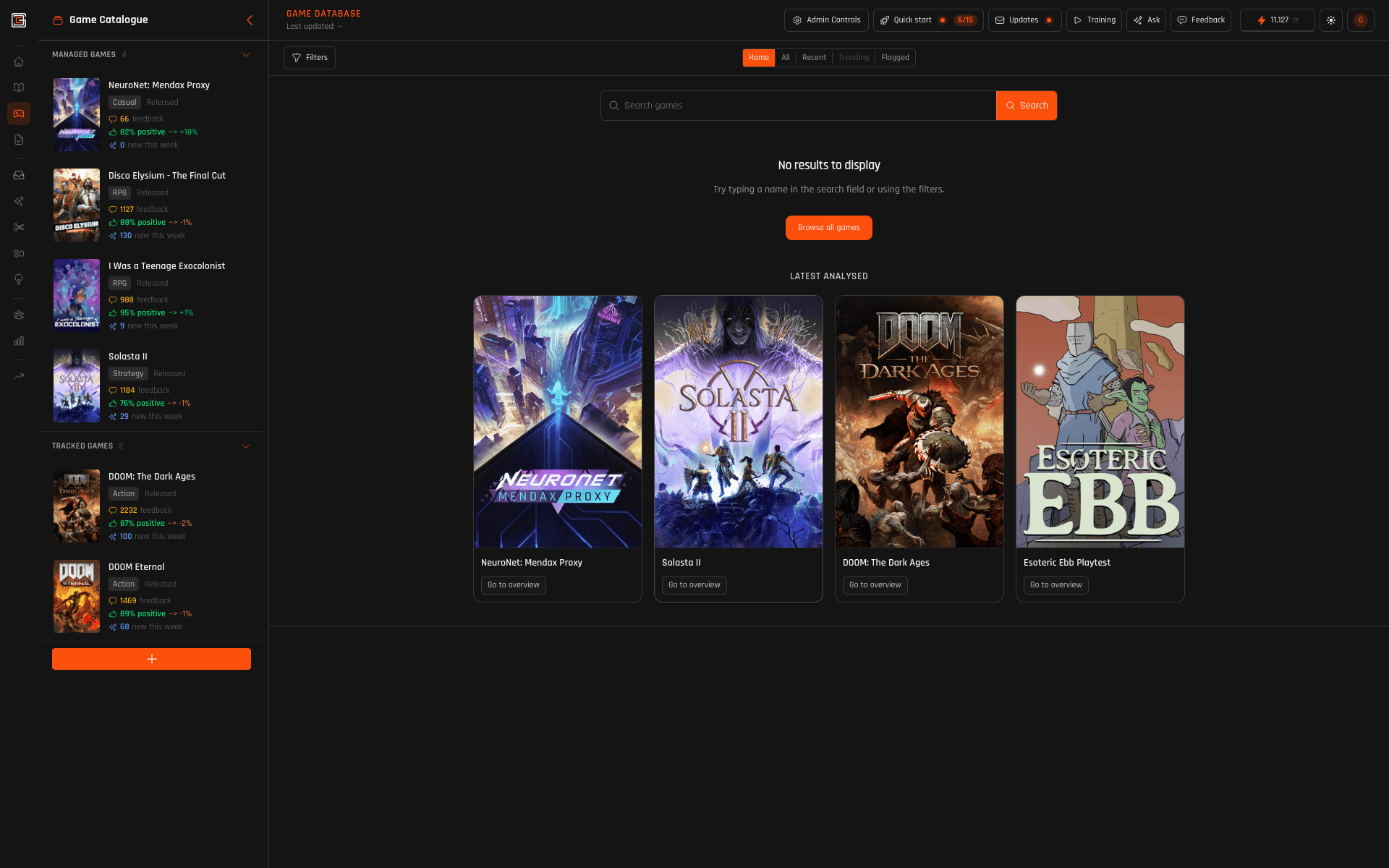
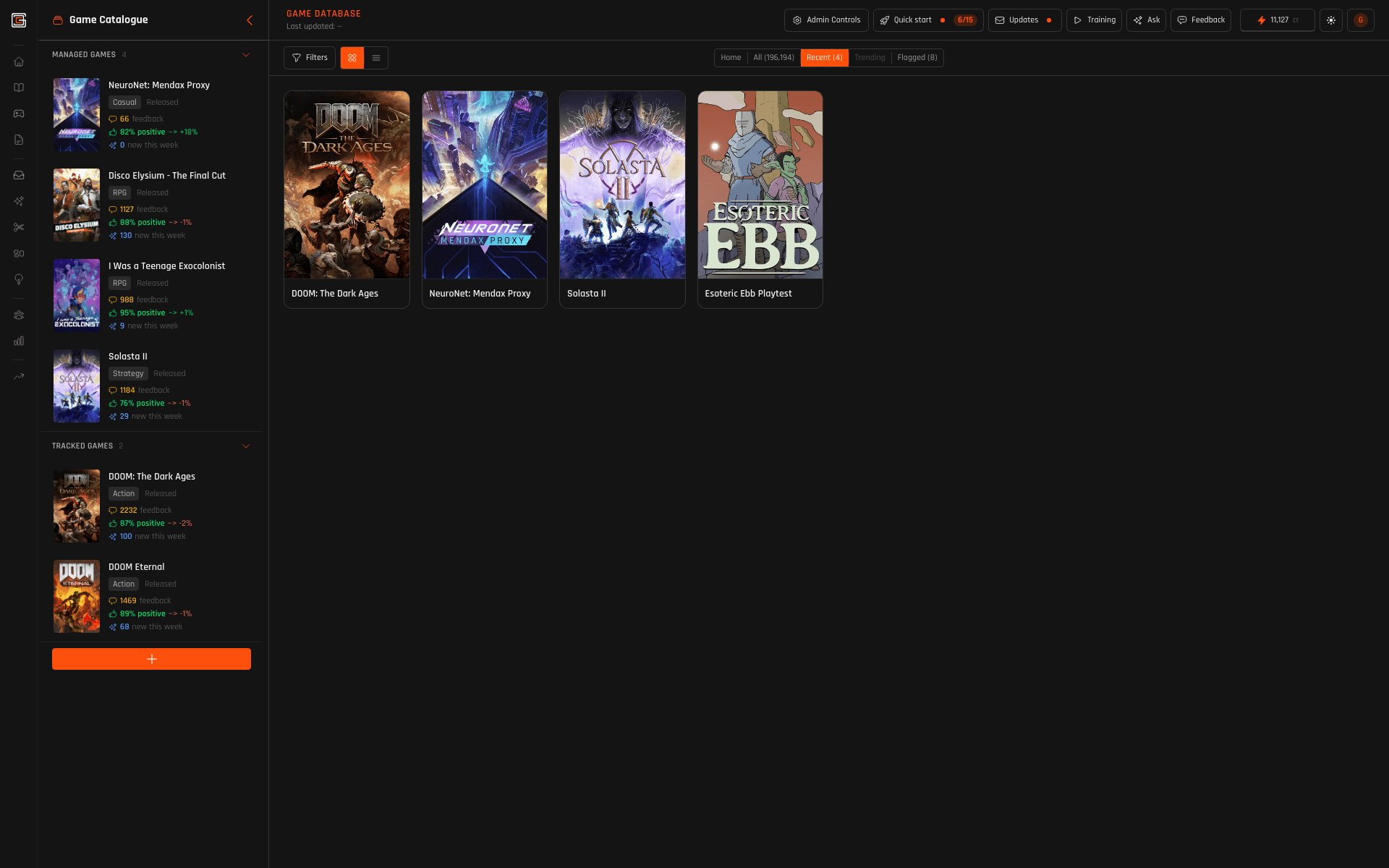
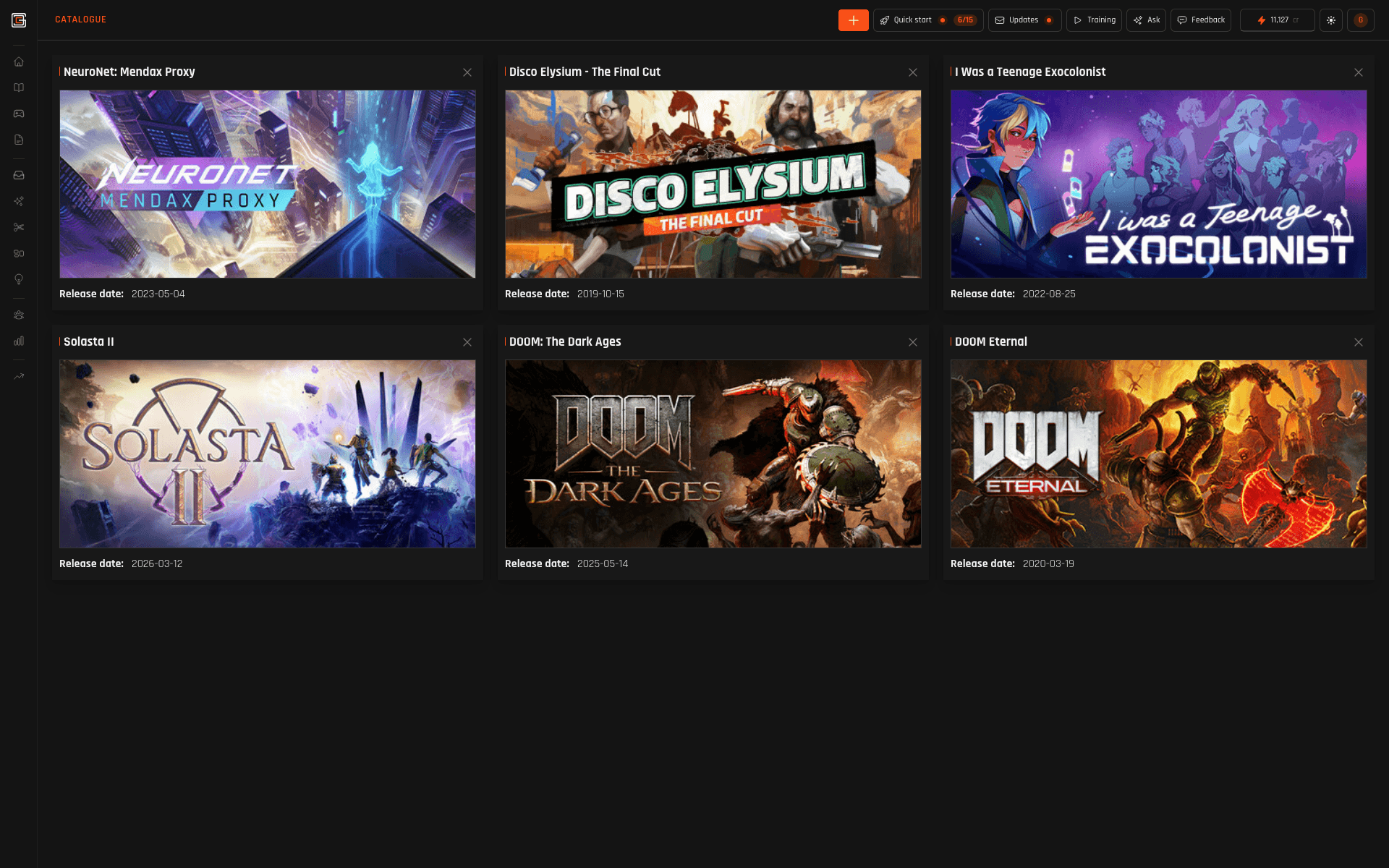
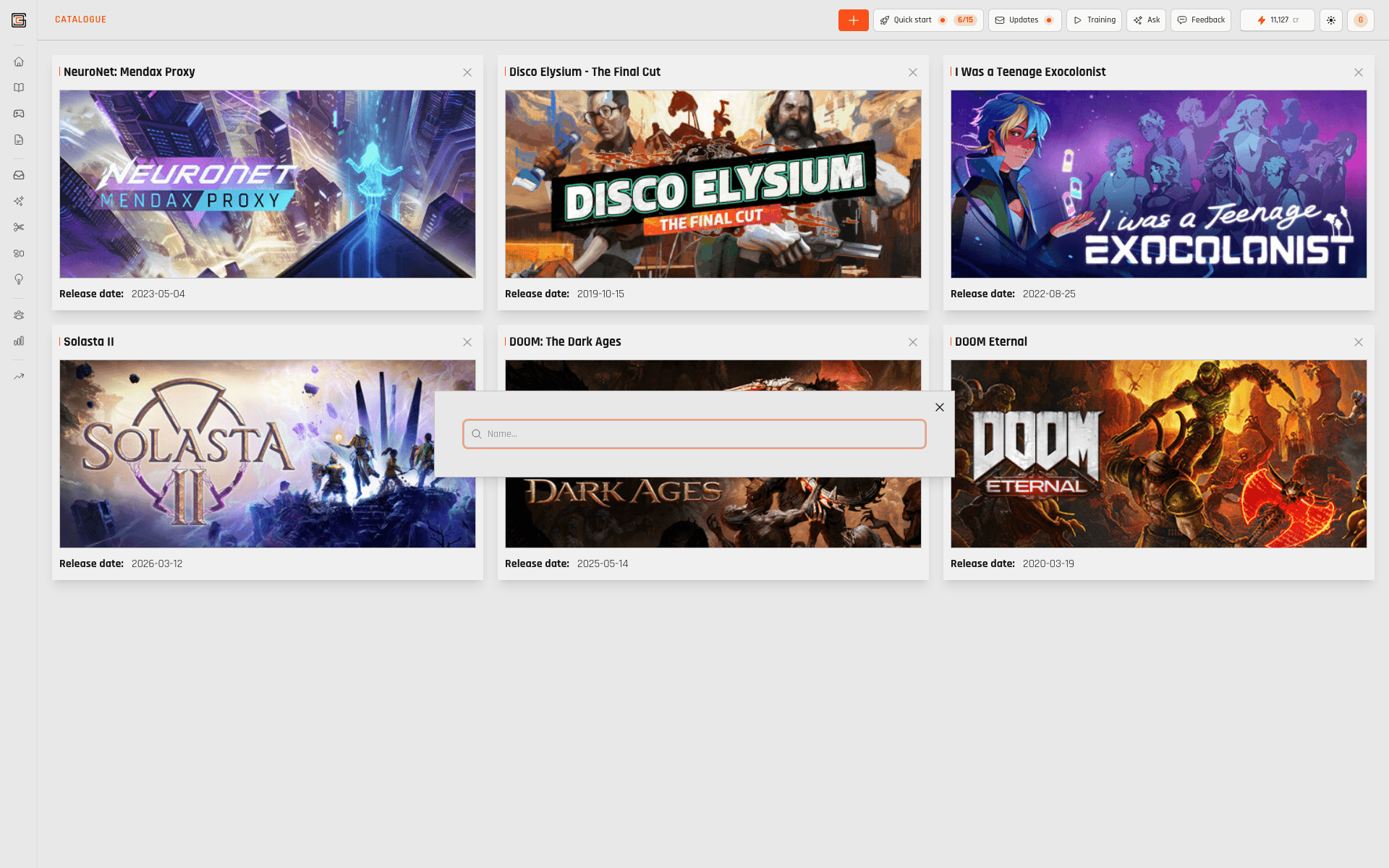
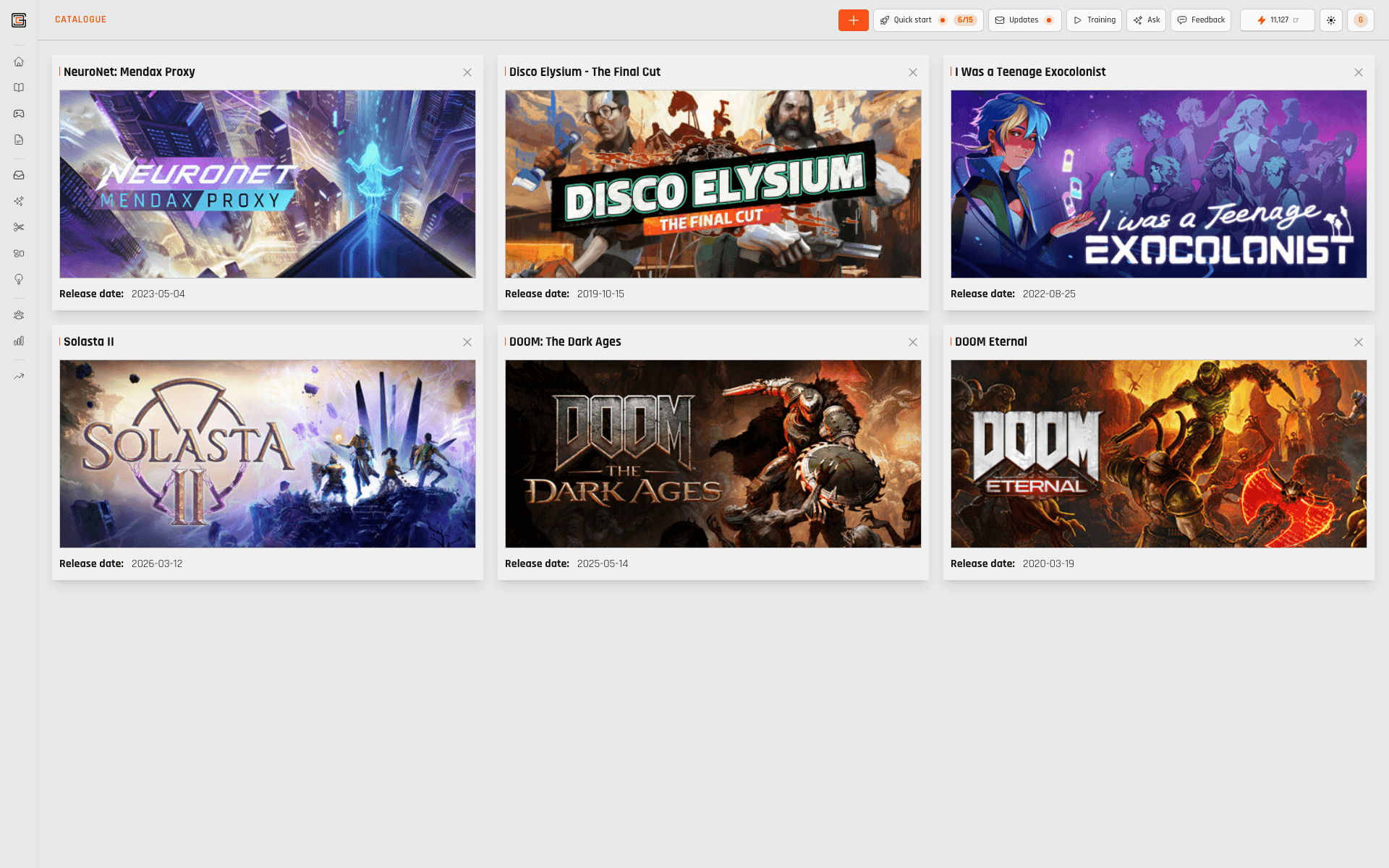
Browse Steam; your workspace catalogue is what you’ve added for work — that turns on tracking and Cores per title. Quick Analyze from browse; deeper workflows once the game is in workspace.

HOW IT WORKS

  1. 01

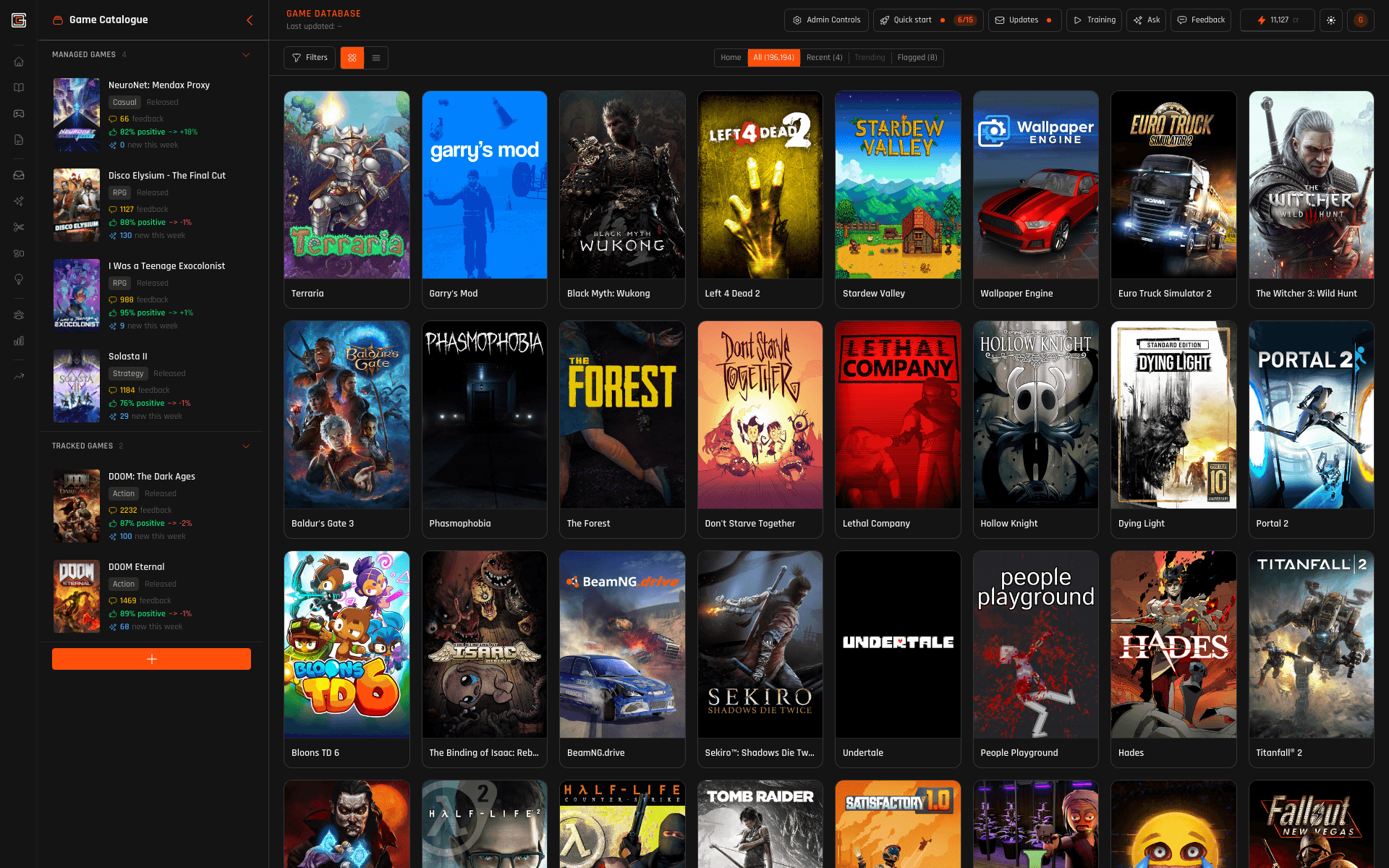
    Browse Steam, add to your workspace

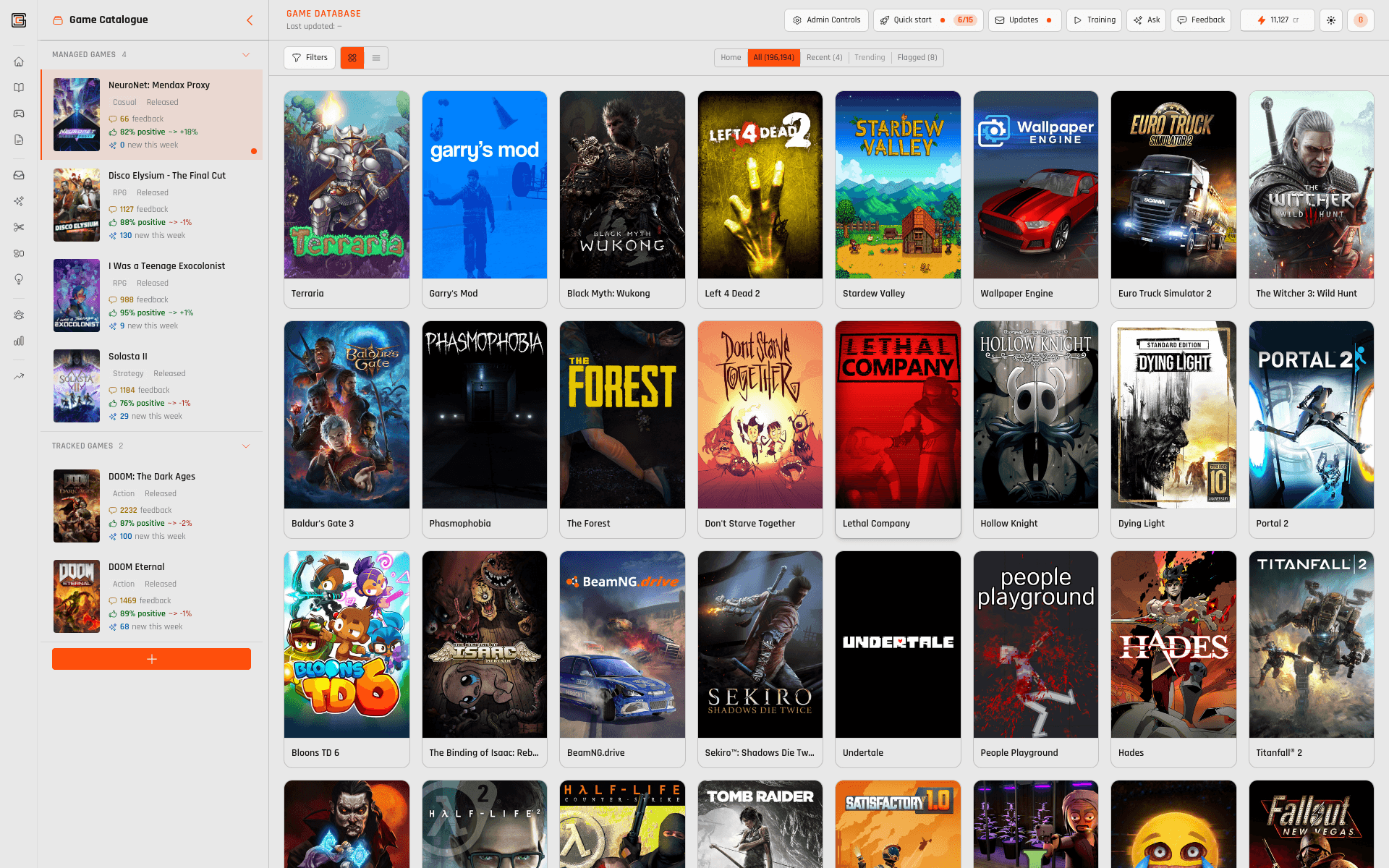
    Full catalogue as the store lists it. Add titles to unlock Cores for those games (plan and data permitting).
    CoreDatabase · Game Database — IF THE CATALOGUE — LIES, EVERYTHING ELSE DOES. — Browse Steam, add to your workspace
  2. 02

    Steam-shaped rows, enrichment on top

    Faithful IDs and metadata — then panels and context so work stays tied to real games.
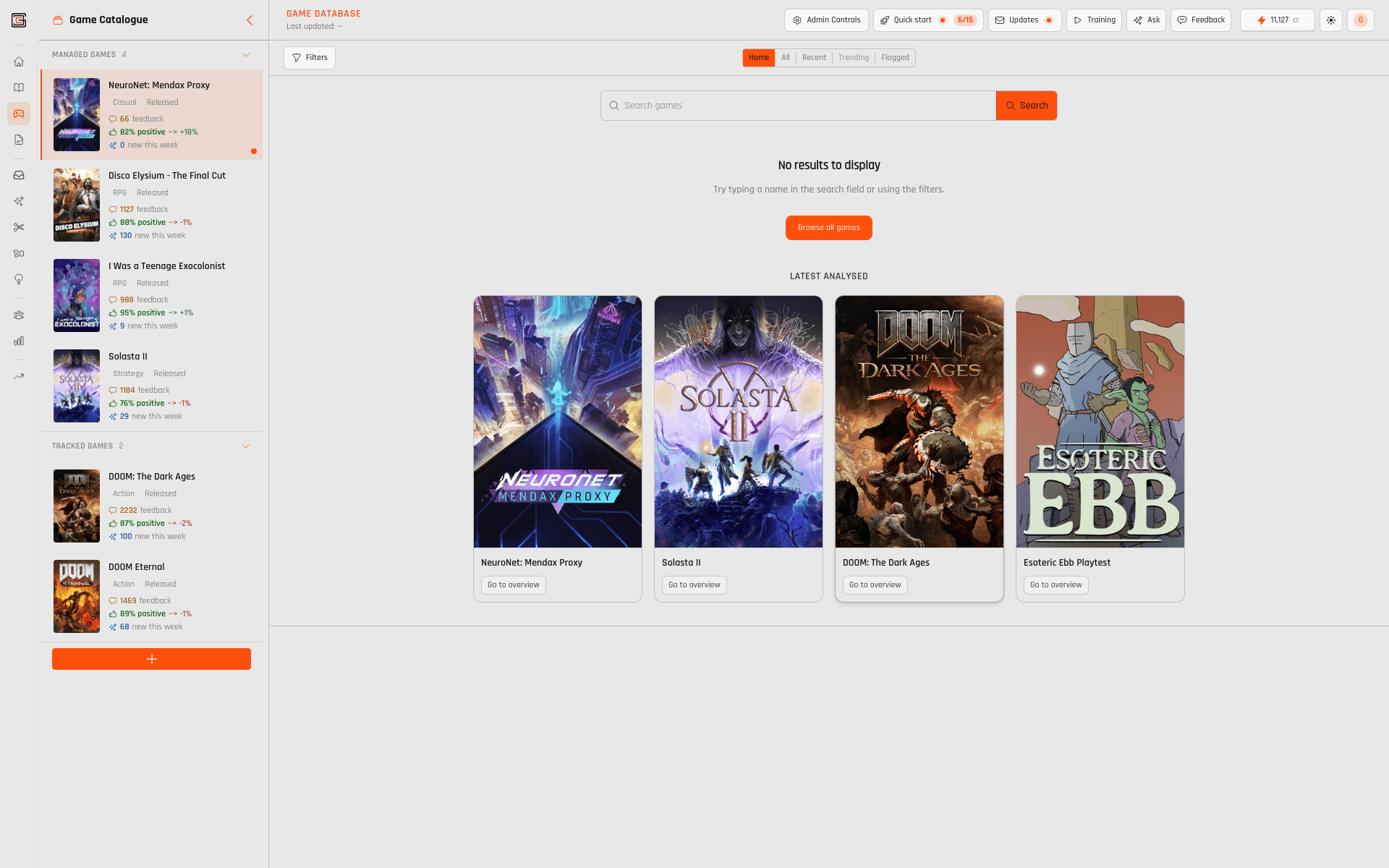
    CoreDatabase · Game Database — IF THE CATALOGUE — LIES, EVERYTHING ELSE DOES. — Steam-shaped rows, enrichment on top
  3. 03

    Quick Analyze from the database

    Fast snapshot: emotion & taxonomy tags, topics, and polarity — before you open full feedback or profile.
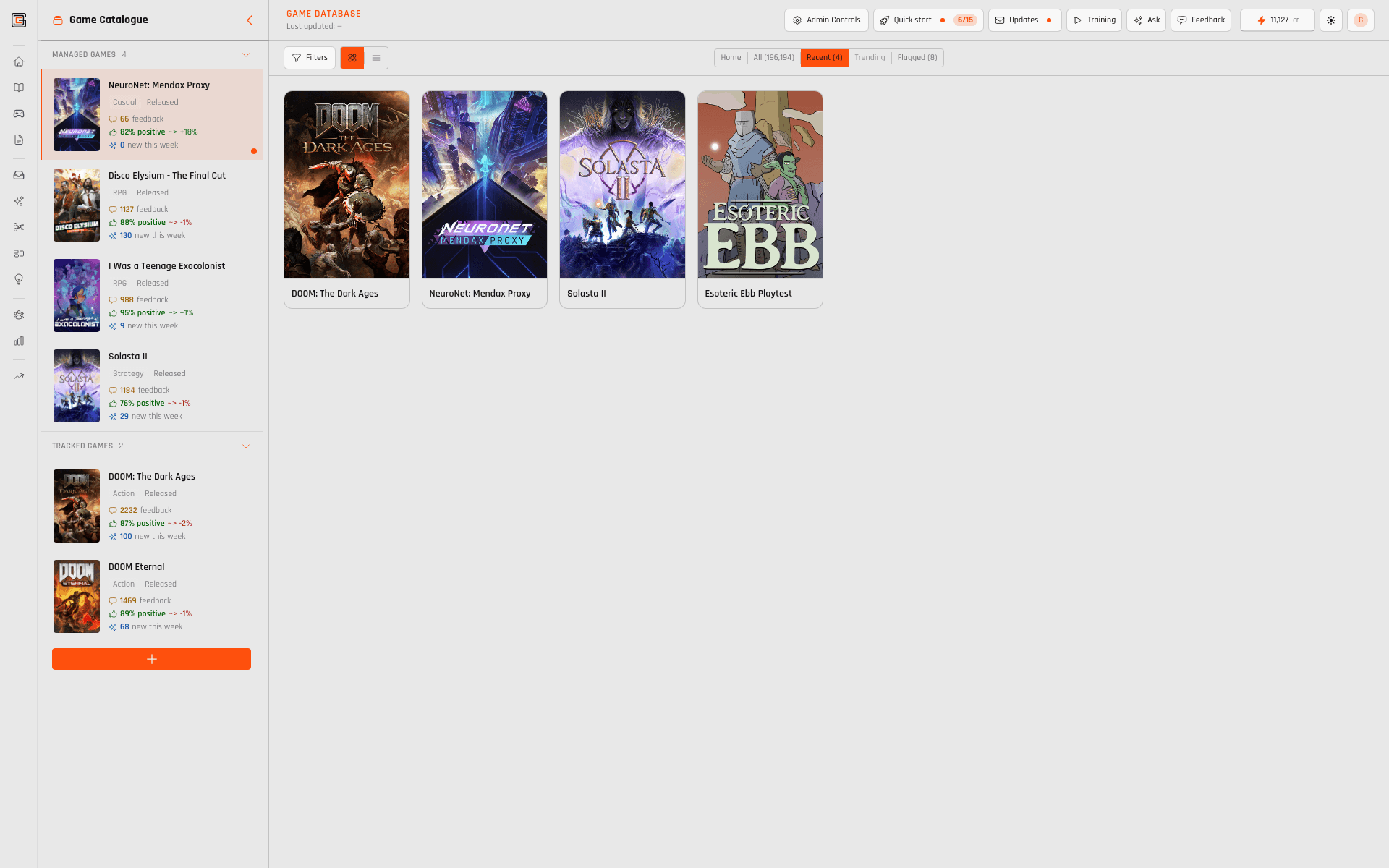
    CoreDatabase · Game Database — IF THE CATALOGUE — LIES, EVERYTHING ELSE DOES. — Quick Analyze from the database
  4. 04

    Read the catalogue before you drill

    Orient on a title before reviews or graphs — same facts the rest of the layer uses.

    CoreDatabase · Game Database — IF THE CATALOGUE — LIES, EVERYTHING ELSE DOES. — Read the catalogue before you drill
  5. 05

    Stay scoped when you navigate

    CoreFeedback / CoreProfile keep game boundaries from what you picked in the DB.
    CoreDatabase · Game Database — IF THE CATALOGUE — LIES, EVERYTHING ELSE DOES. — Stay scoped when you navigate
  6. 06

    Ask with catalogue-shaped tools

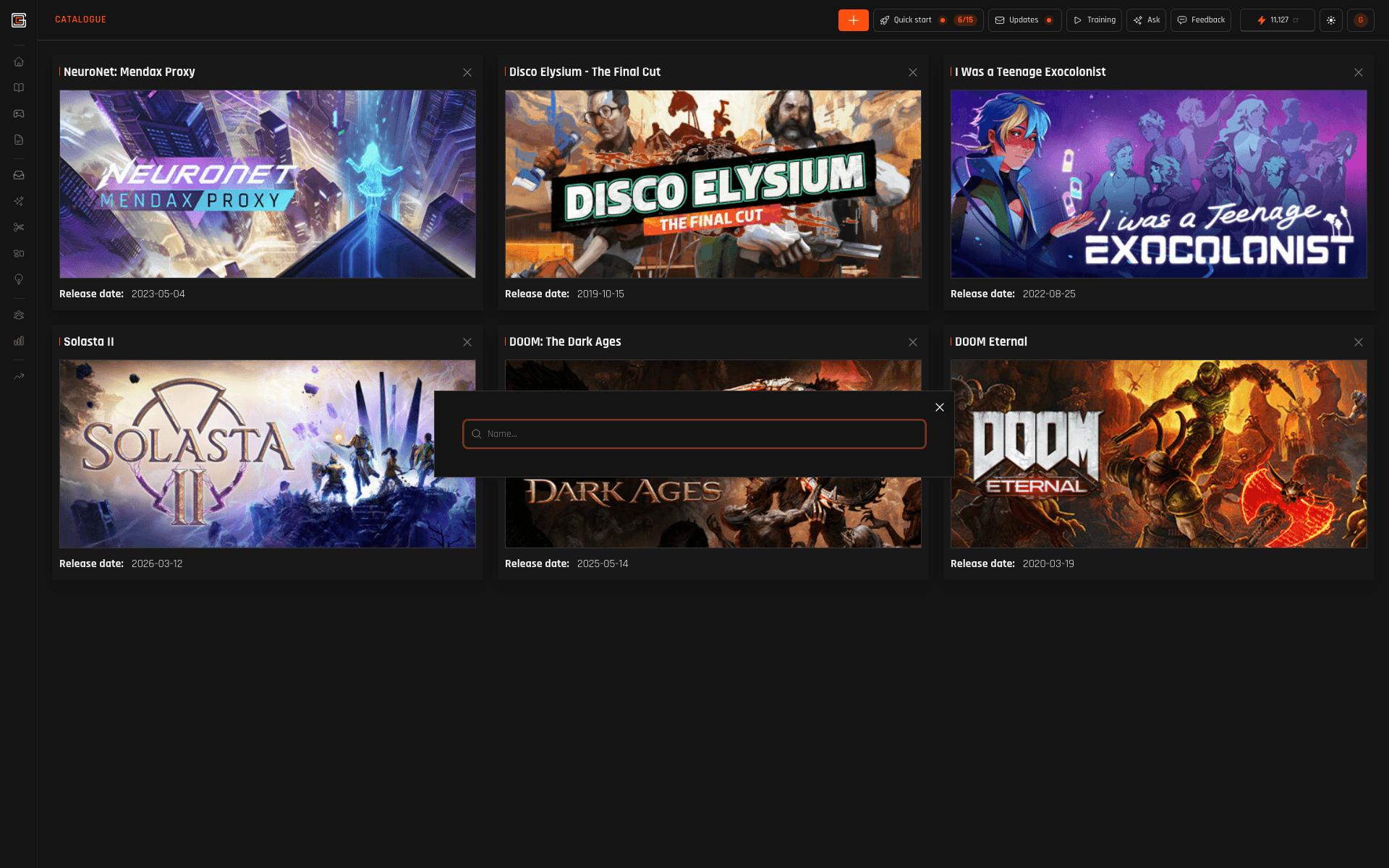
    Game Database mode scopes Ask to workspace and games — not free-association.
CREDITS AT A GLANCE

Browse: free. Quick Analyze: same per-snippet rules as CoreFeedback on successful classification.

ActionCredits
Game Database browsing and standard catalogue views
Typical navigation.
Included
Quick Analyze — snapshot from up to 100 reviews and profiles per run (emotion/taxonomy, topics, polarity)
Per successful snippet classification — same as CoreFeedback.
1 cr

In-app labels may differ slightly; rules match CoreFeedback analysis.

ASK IN GAME DATABASE MODE

URL + surface scope Ask to catalogue and workspace games — same discipline as other modes.

ANCHOR THE ROOM IN REAL GAMES

Waitlist for the layer — contact us for multi-title catalogue work.

JOIN WAITLIST
Product
  • Use cases
  • CoreFeedback
  • CoreProfile
  • CoreDatabase
  • CoreDecisions
  • Ask
  • CoreReports
  • Pilot program
Company
  • About
  • Pricing
  • Support
Resources
  • News
  • Substack
Legal
  • Privacy
  • Terms
  • For investors
Social
  • Discord
  • LinkedIn
  • Bluesky
  • Instagram
GameDataCore logoGameDataCore logo© 2026 GameDataCore. All rights reserved.